Find the sellers. See their stores.
Find every seller behind a list of products, keep one clean list of the stores you follow and collect their catalogs, category by category.


Screens show the ENSKOM app with example data.
Find the sellers behind any product.
Import a list of ASINs. ENSKOM finds the sellers offering each one, records which product led to which seller and flags the ones you have not seen before.
- Bring thousands at once. Paste a list or import CSV and Excel files.
- New sellers stand out. Stores you already know are recognised by their seller ID.


One clean list of every store.
Every store appears once, with the marketplaces where it sells, its business country and when you last scanned it.
- Each marketplace kept separate. A seller is identified by its marketplace and seller ID.
- Scan from the list. Start a Store Scan for one store or many.


Honest about coverage.
Each scan reports what it covered, what you excluded and what needs another try. Nothing is marked complete without proof.
- Skip what you don’t need. Category presets leave out whole departments, per marketplace.
- Only what is new to you. Download just the ASINs that were not on your computer before.


Stores stay current.
Store Refresh checks scanned stores again in the background to find what they add later. It runs at a low share and never slows your research.
- Free. Background work does not use credits.
- Your rules. Choose the marketplaces, how old a scan may get and how many stores at a time.


Start from Amazon.
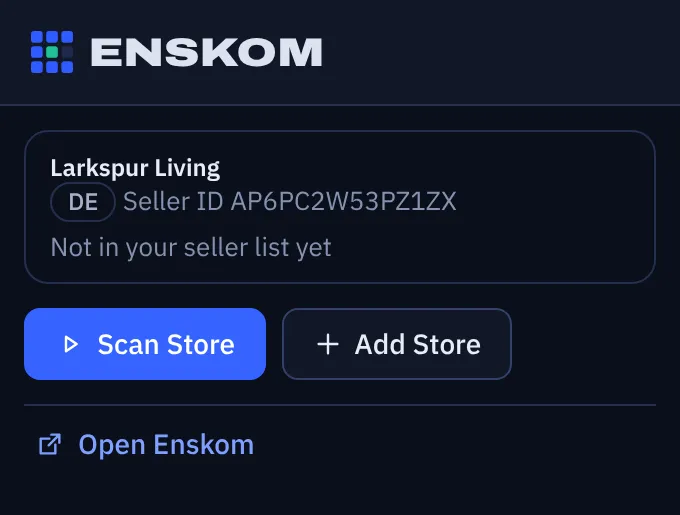
On a seller’s page, or a product page that shows who sells it, add the store to your list or start a scan with one click.
- No copying IDs. ENSKOM reads the seller ID from the page you are on.
Store Researcher questions
Which stores can I scan?
Any public Amazon storefront in the 21 marketplaces ENSKOM supports.
How does ENSKOM handle very large stores?
When a category is too large to read in one go, ENSKOM splits it into smaller ones until each part can be read. You can watch progress live and download at any point.
What does “new ASINs” mean?
ASINs a scan found that were not on your computer before. You can download them separately.
Does Store Refresh use credits?
No. Store Refresh and other background work are free.